Can both H5 games and Flash games be sped up?
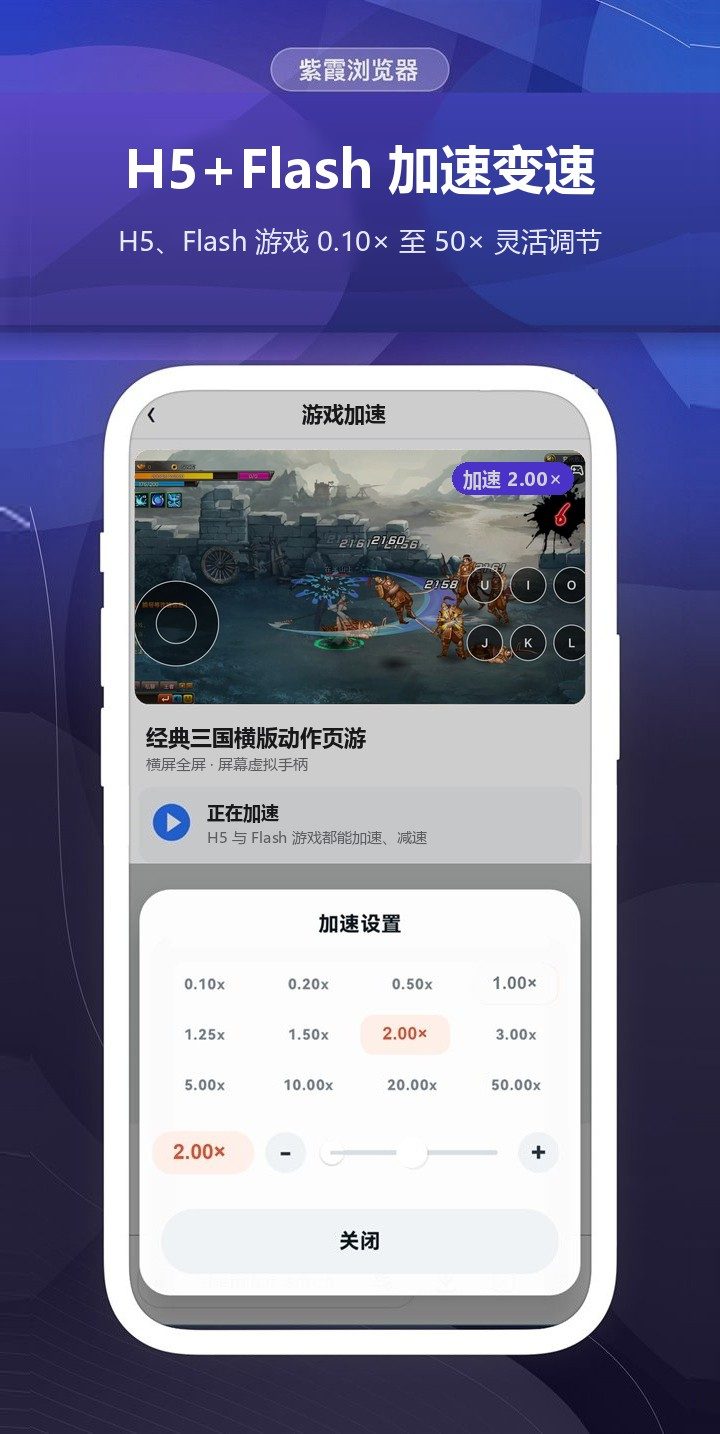
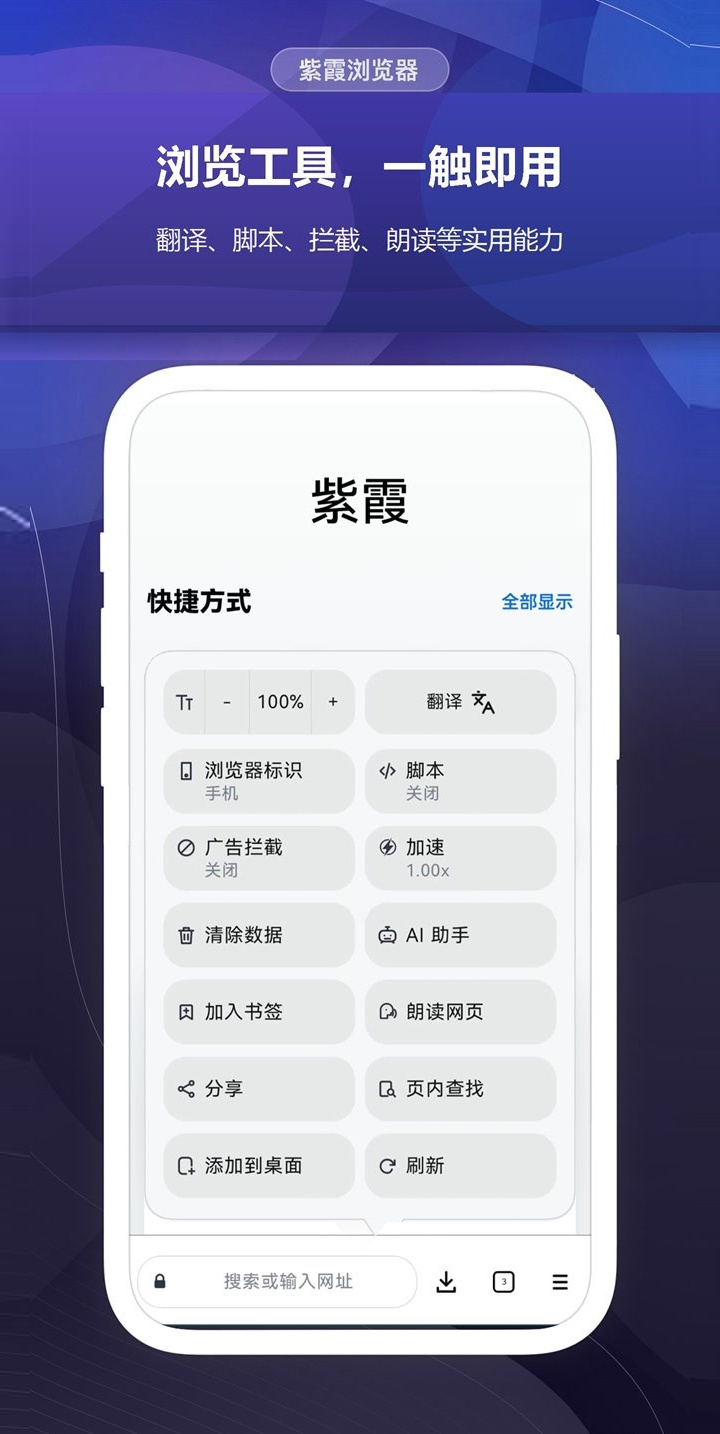
Yes. Both H5 and Flash browser games can be sped up or slowed down: 0.10× to 50× on Windows, Mac, Android, iPhone and iPad, and 0.05× to 900× in Windows Classic.
Flash is no longer supported. Can I still play Flash games?
Yes. Zixia Browser plays the SWF games and animations on web pages directly. Large browser games use a 64-bit native player, so they no longer stop when memory runs out.
Can the text inside games be translated?
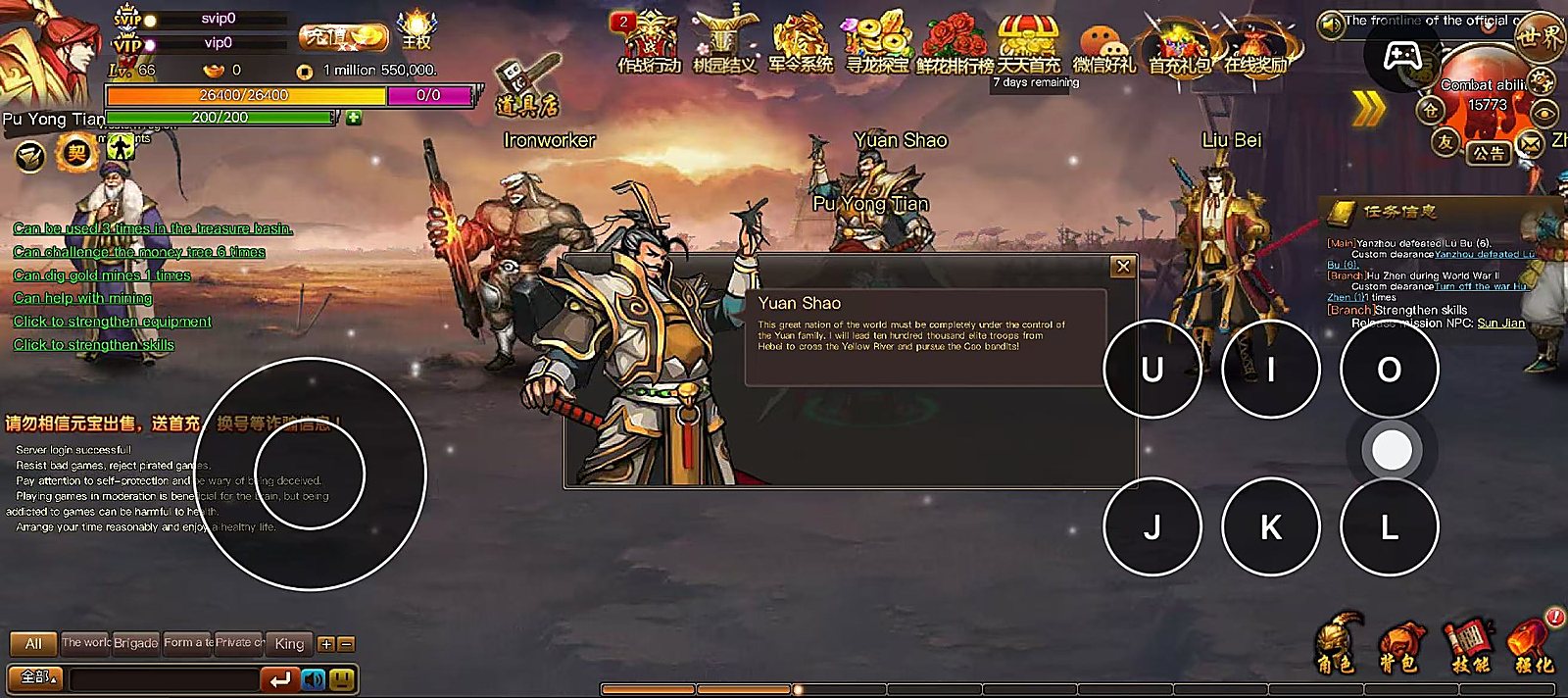
Yes. With translation turned on, text inside Flash games and on web pages is translated into your system language, and you can choose another language. Translation needs an internet connection.
How do I get to the Zixia game platform after installing?
The browser does not open the game platform automatically. Enter h.zixia.com in the address bar.
What if I see a security warning when downloading or installing?
Some browsers and security software report false positives. On Windows, add the installer to the trusted list. On Android, installing the APK directly requires temporarily allowing “Install unknown apps”. The Mac version is notarized by Apple; if you still see a prompt, choose “Open”.
Can I play without installing Zixia Browser?
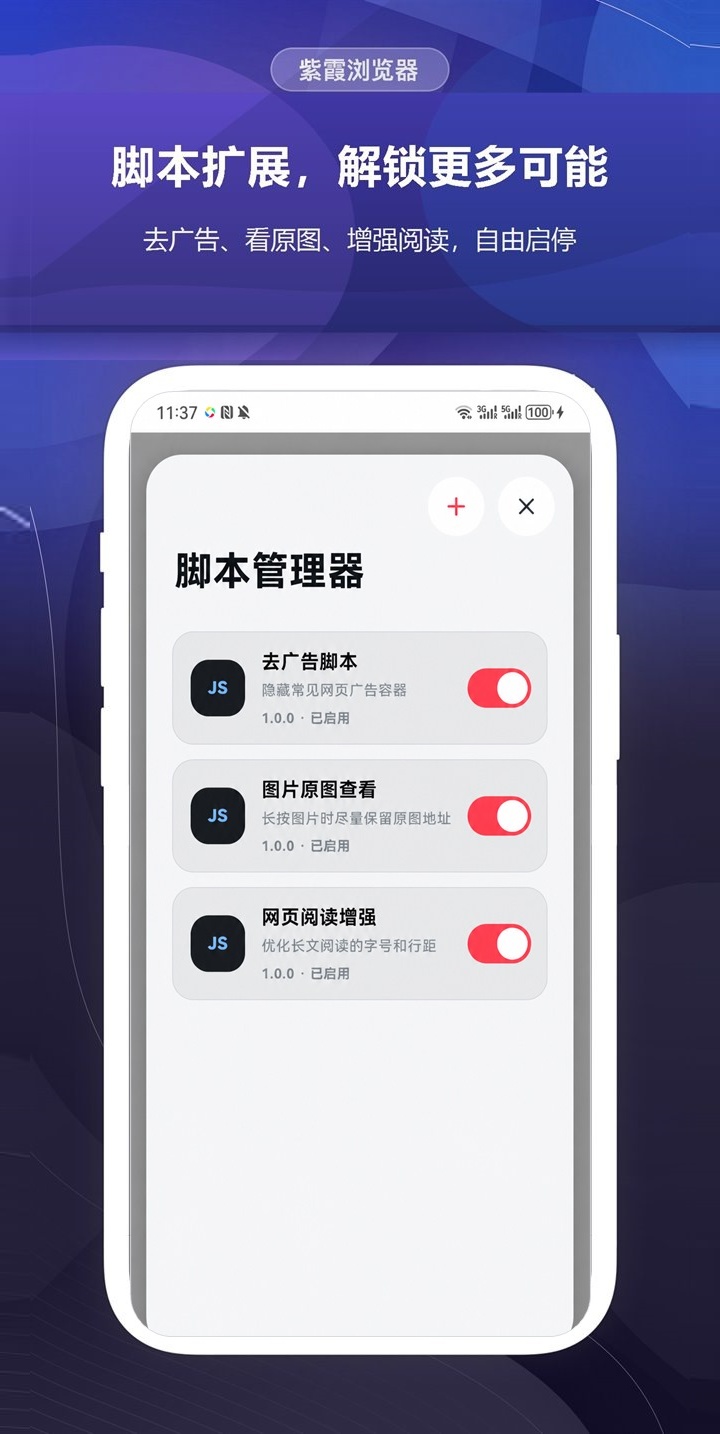
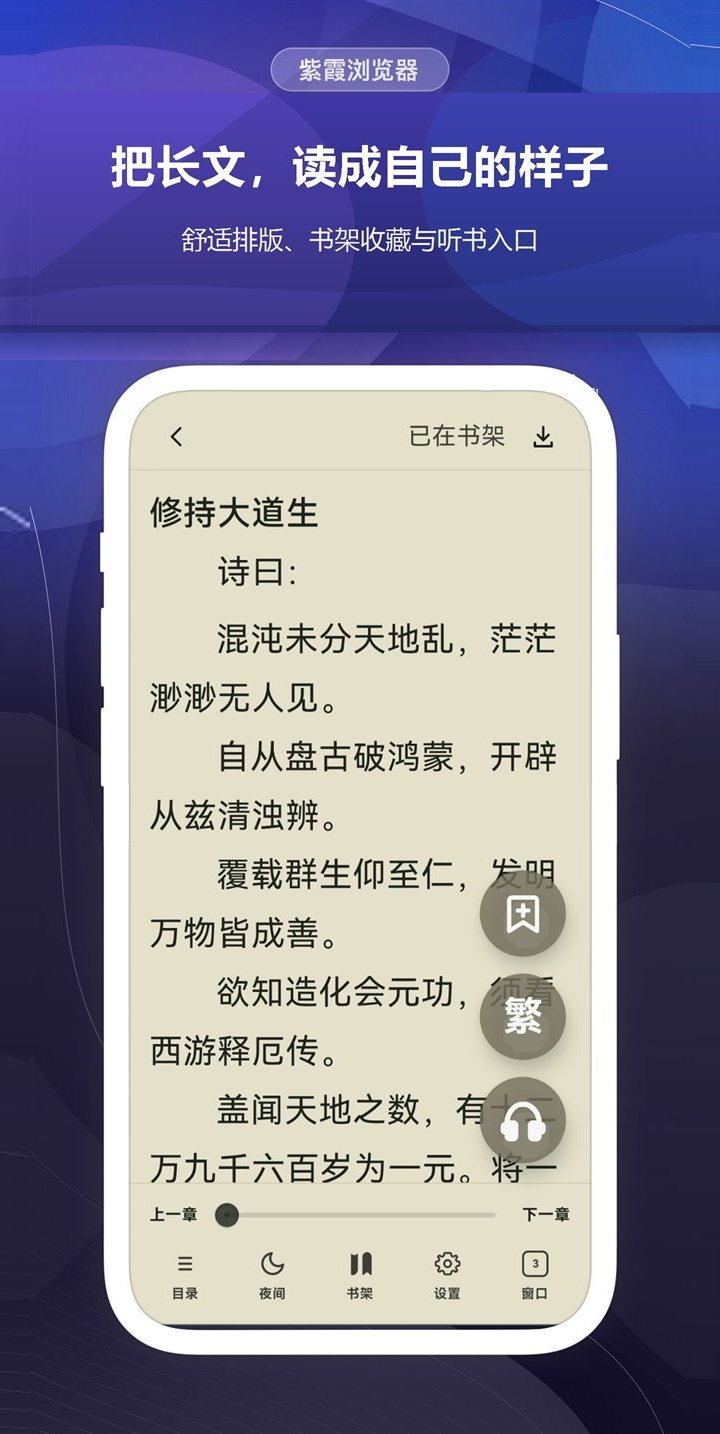
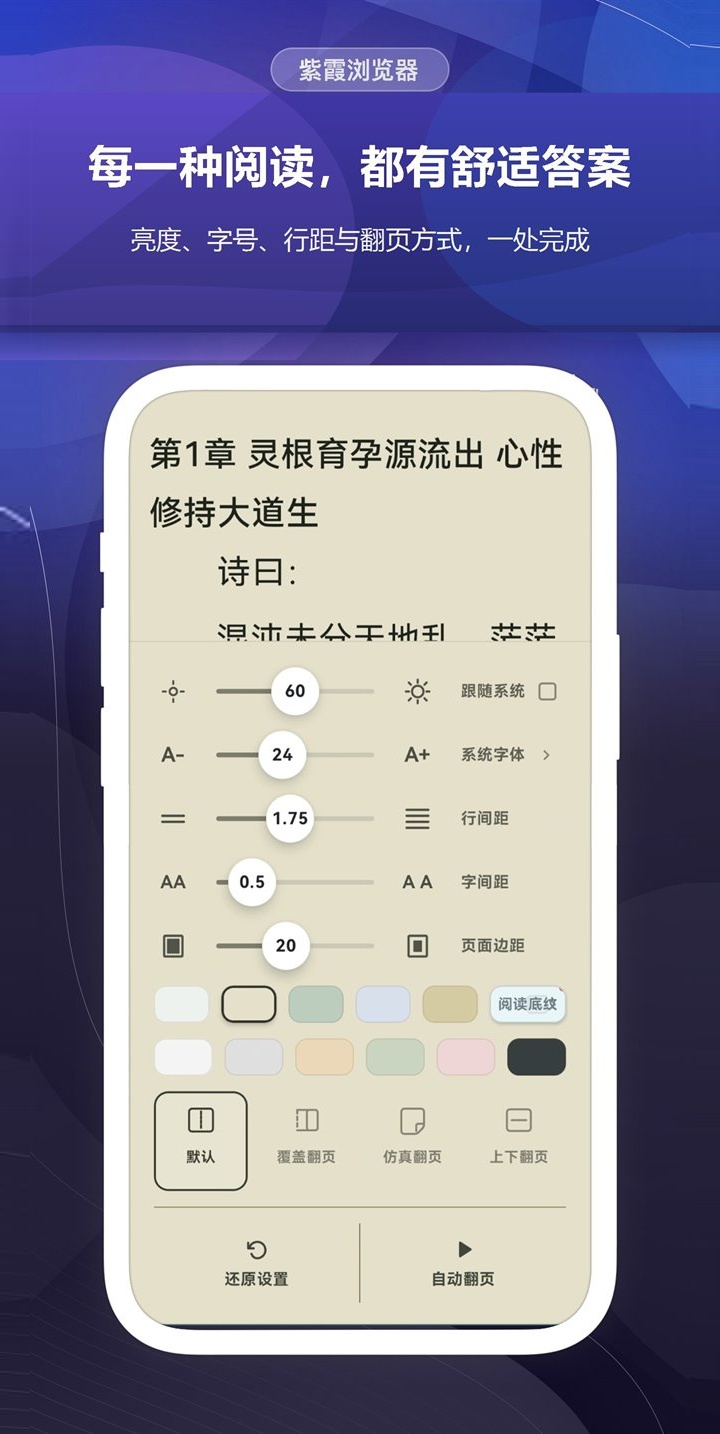
Yes, on a computer. Add the Zixia Flash Game Helper extension from the Chrome Web Store and Flash browser games run in Chrome, with speed control and game translation. Zixia Browser has more built in, such as an ad blocker, user scripts, emulators and a reader, and it is the only option on phones and tablets.
 Zixia Browser