Free download
Windows · Mac · Android · iPhone / iPad

H5 + Flash
browser games,
at your speed

Zixia Browser speeds up or slows down both H5 and Flash games. Level up faster while idling, and play classic Flash games again.

  • Lots of discounted games
  • Instant buy-back for characters you no longer play
  • Trade accounts and characters freely

Free · On Android you can also download the APK · Mac requires macOS 12 or later

Free · On Android you can also install from Google Play · Mac requires macOS 12 or later

Scan with your phone to download Zixia BrowserScan to downloadWorks on iPhone, iPad and Android
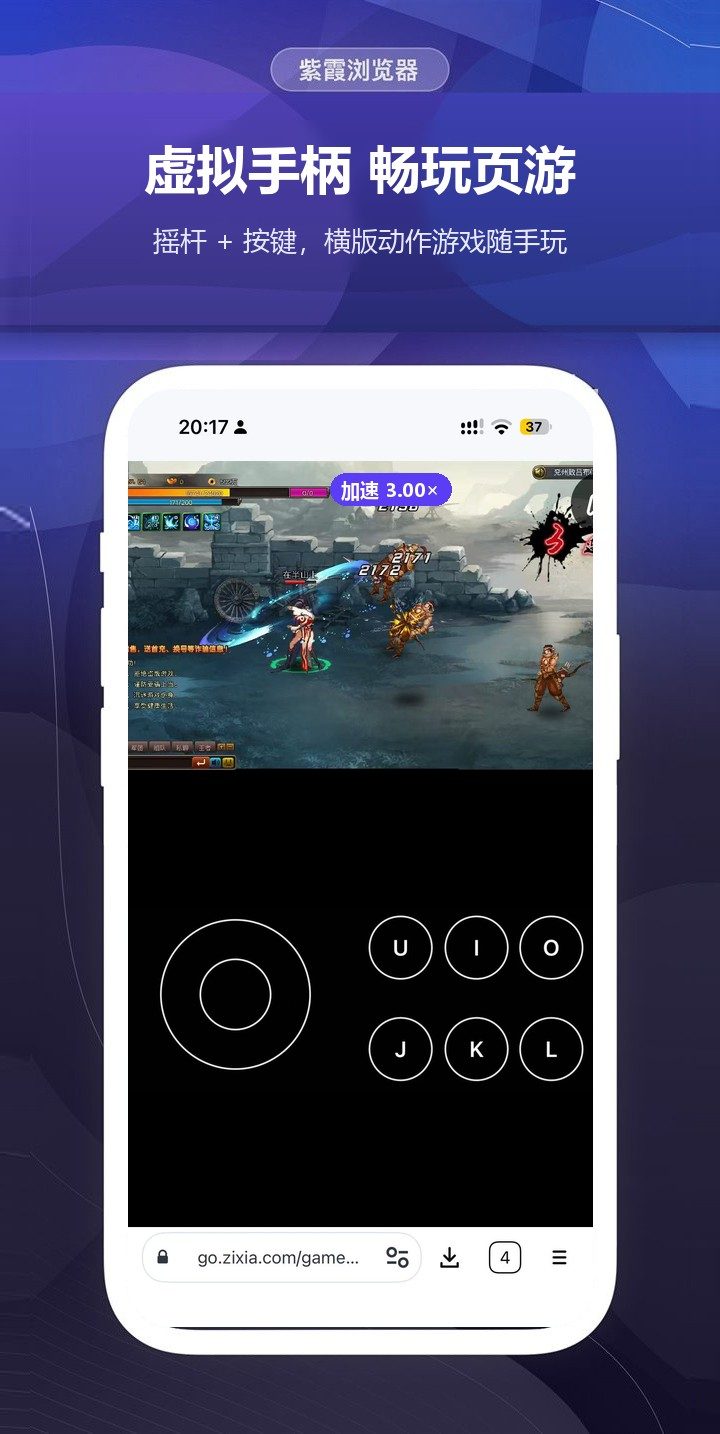
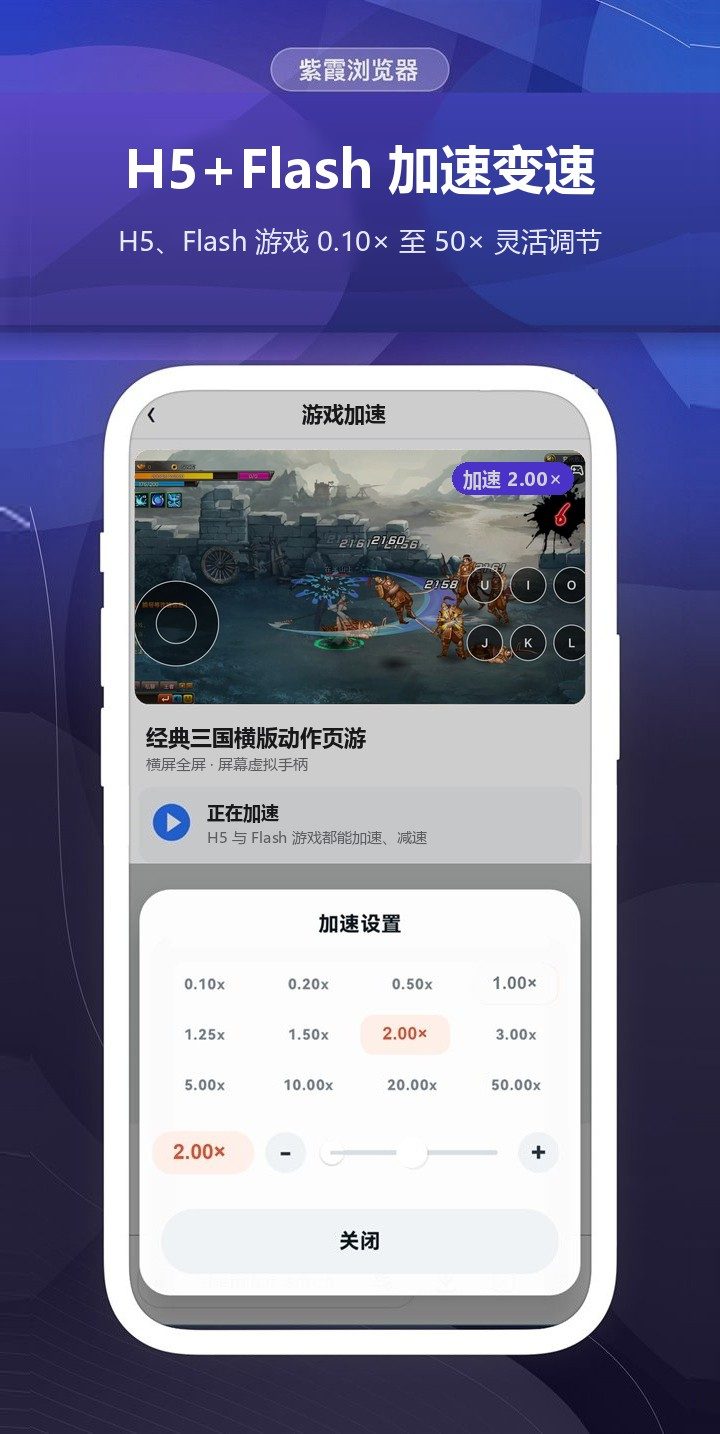
On-screen gamepad for browser games: a stick and buttons for side-scrolling action games H5 + Flash speed control: an action browser game running at 2.00×, adjustable from 0.10× to 50×
Speed Control

Speed control for H5 and Flash games on all four systems

Speed up idle levelling, slow down for precise moves. Works with both H5 and Flash browser games: switch presets with one tap or fine-tune with the slider.

H5 and Flash game speed control in Zixia Browser by system
SystemH5 gamesFlash gamesSpeed range
WindowsYesYes0.10× – 50×
Windows ClassicYesYes0.05× – 900×
MacYesYes0.10× – 50×
AndroidYesYes0.10× – 50×
iPhone / iPadYesYes0.10× – 50×
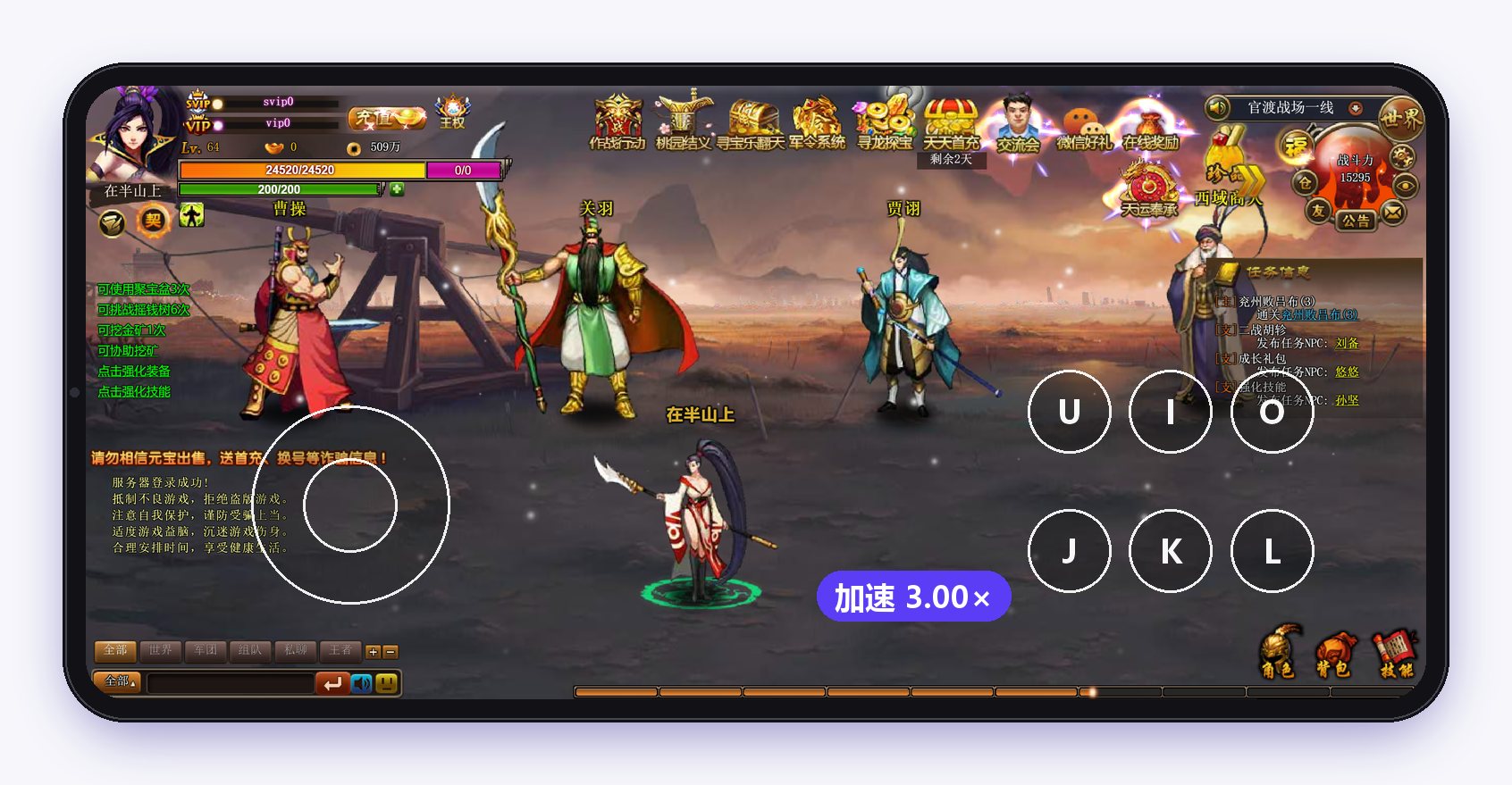
Zixia Browser playing a browser game in landscape full screen with the on-screen gamepad, game speed 3.00×

Landscape full screen · On-screen gamepad · Speed up quests, travel and idling

Translation

Game text translated in real time, into your language

Turn on translation and the quests, dialogue, menus and tips inside Flash browser games appear in your language, while the graphics and controls stay the same. Web pages can be translated too.

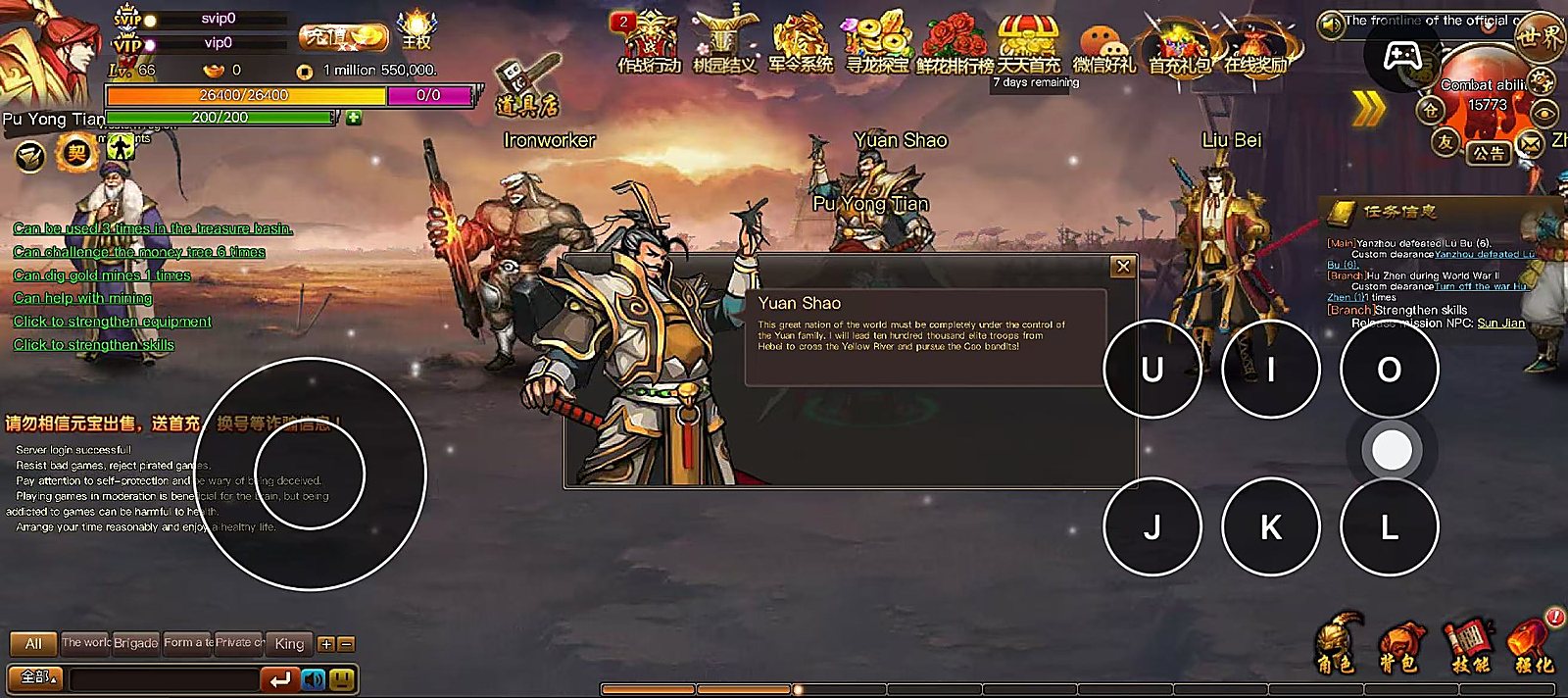
Zixia Browser translating a Chinese browser game into English: the quest list, character dialogue and system messages are shown in English

A Chinese browser game translated into English: quests, dialogue and tips

  • Quests, dialogue and menus all translated
  • Follows your system language, switch any time
  • Works together with speed control and the gamepad
Features

More than speed: better gaming and browsing

SWF

Classic Flash, playable again

SWF games and animations on web pages just play. Large browser games use a 64-bit native player, so they no longer stop when memory runs out. On-screen gamepad included.

GB

Retro game emulator

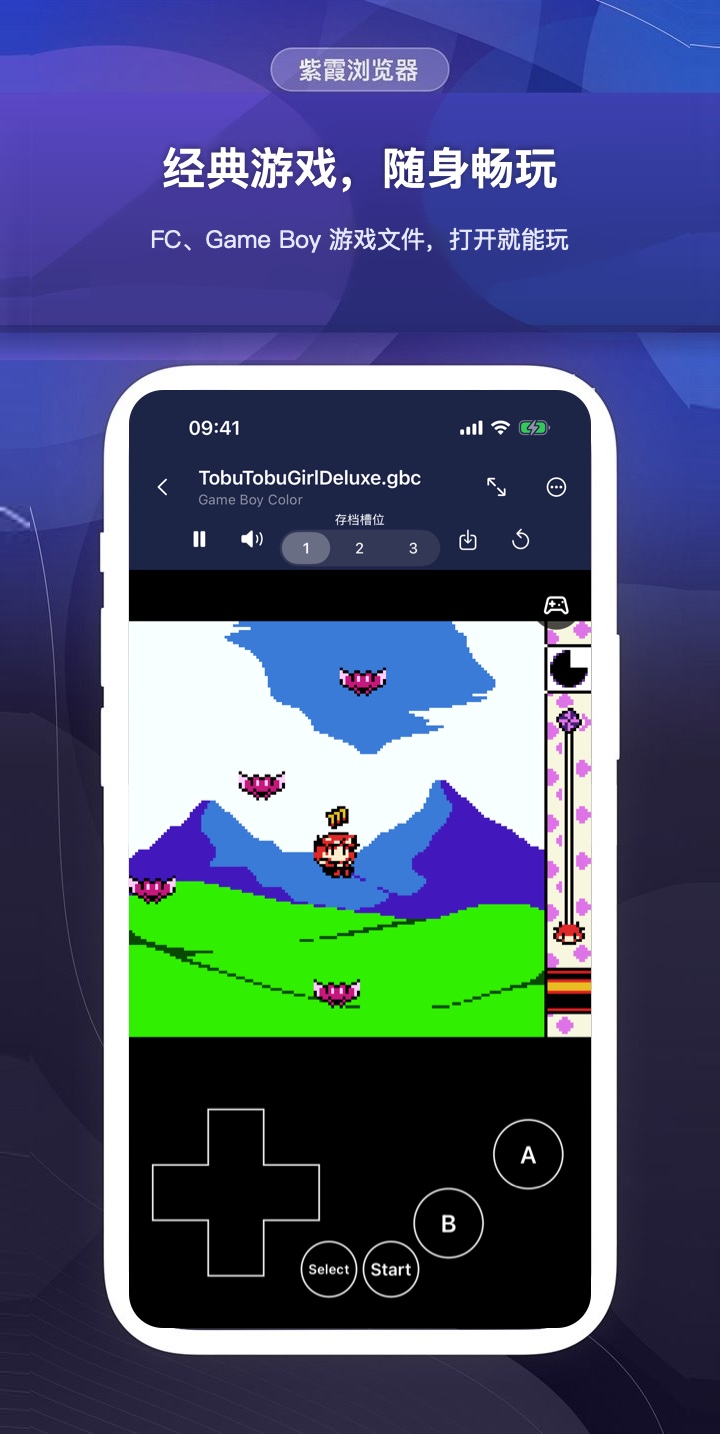
Open your own NES, Game Boy, GBC and GBA game files, with 3 save slots per game and gamepad support. Zixia does not include any games.

JS

User scripts

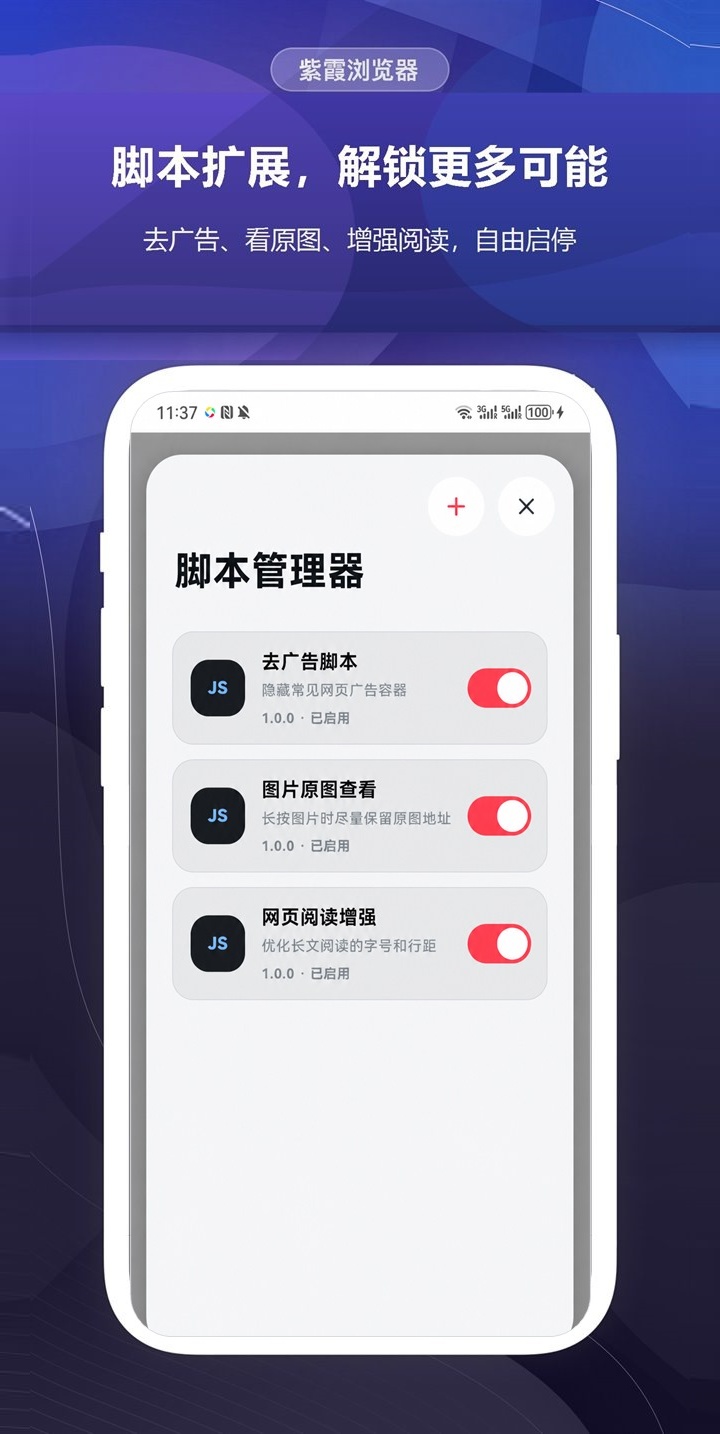
The script manager enhances pages on demand. Turn scripts on or off per site and manage them in one place.

Aa

Reader and read-aloud

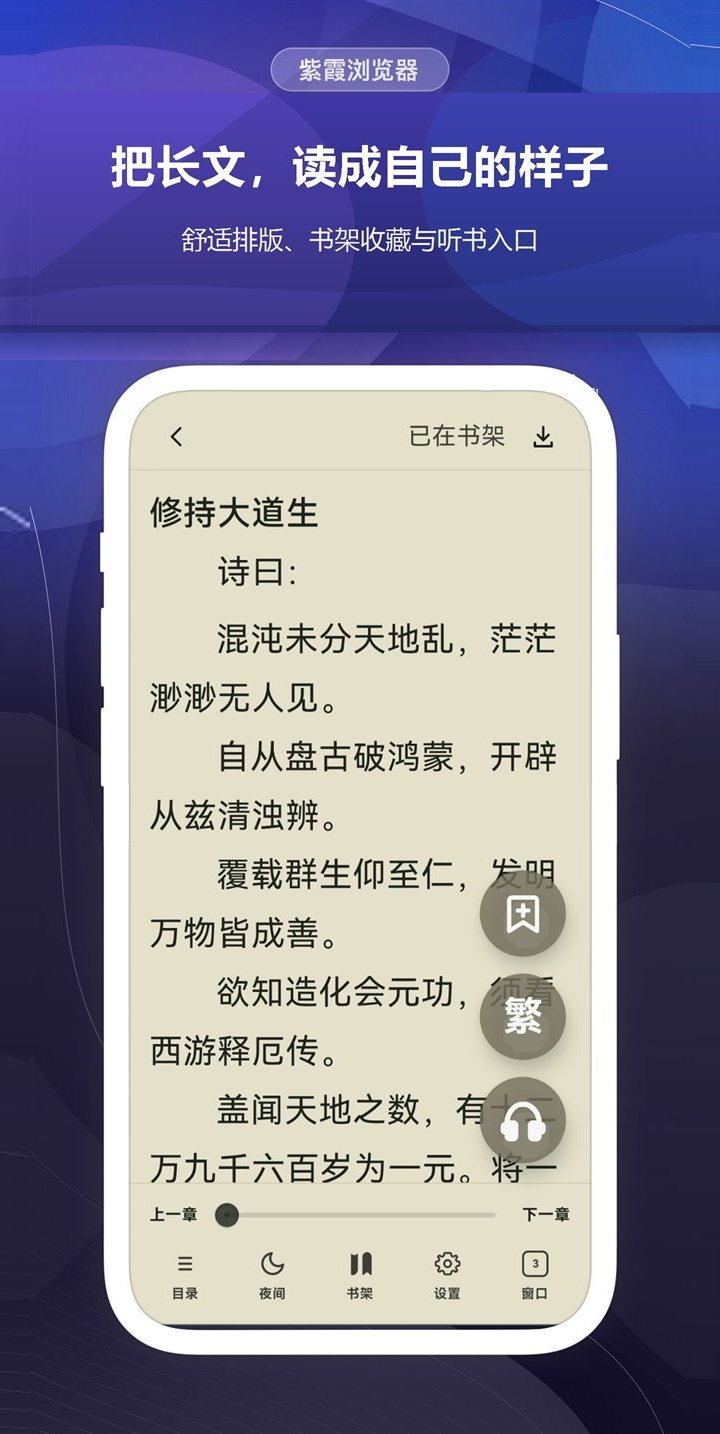
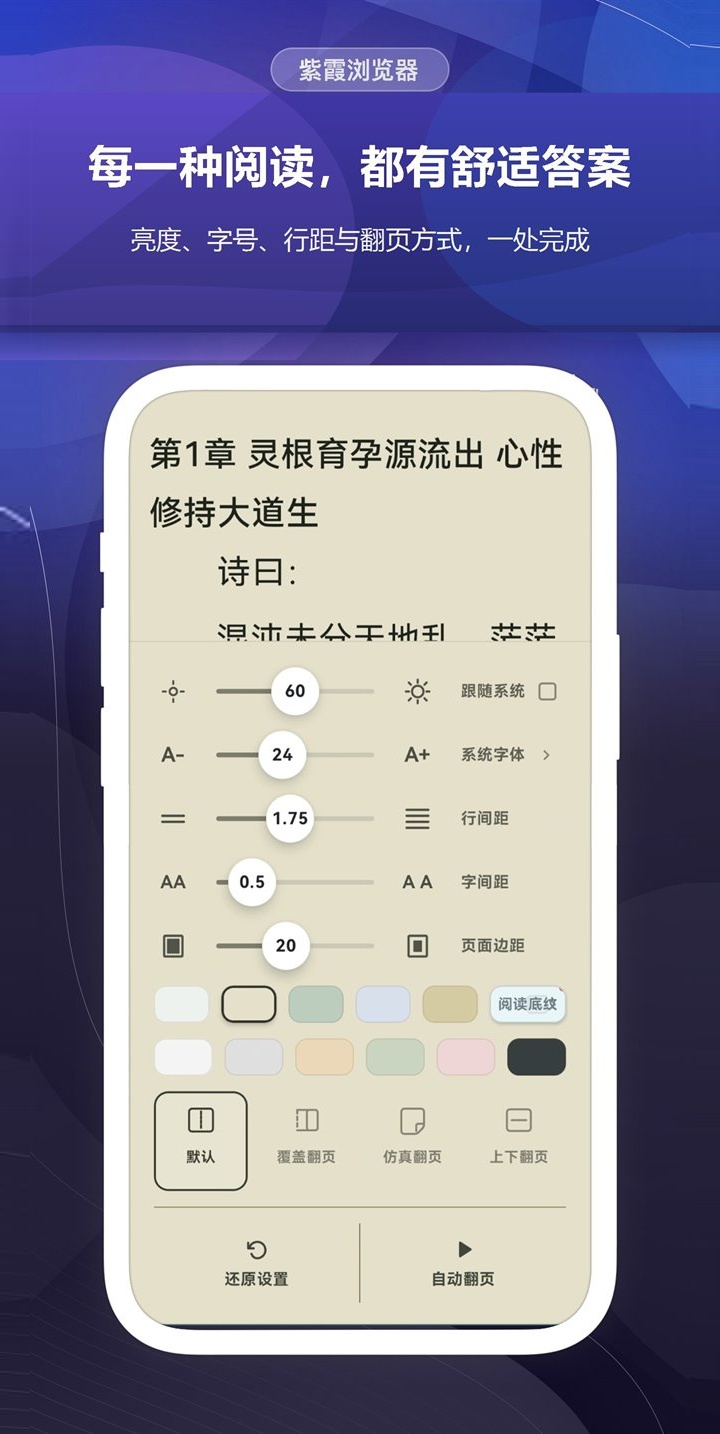
Clean layout, a bookshelf and read-aloud make guides, novels and long articles easier to read.

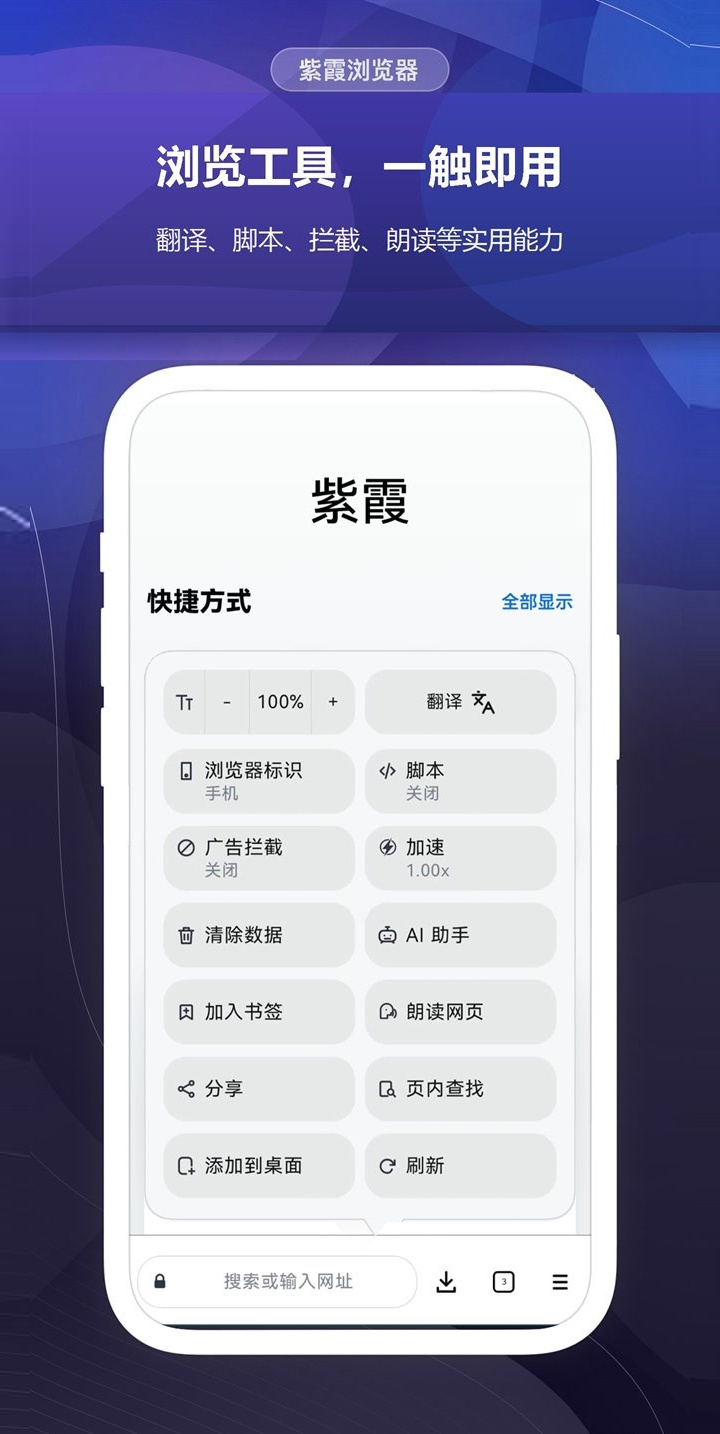
Retro game emulator User scripts Browsing tools one tap away Immersive reading Read-aloud and sleep timer
Download

Choose your device and download for free

Windows

The new edition is small and starts fast, with a built-in ad blocker and user scripts. For Windows 10 / 11.

The Classic edition uses the original Flash player: best compatibility and the widest speed range, but a larger download. Both editions can be installed side by side. If your browser or security software blocks the installer, add it to the trusted list.

Mac

macOS 12 or later, universal for Apple silicon and Intel, notarized by Apple.

Open the DMG and drag Zixia Browser into Applications.

After installing, enter h.zixia.com in the address bar to start playing.

FAQ

Frequently asked questions

Can both H5 games and Flash games be sped up?

Yes. Both H5 and Flash browser games can be sped up or slowed down: 0.10× to 50× on Windows, Mac, Android, iPhone and iPad, and 0.05× to 900× in Windows Classic.

Flash is no longer supported. Can I still play Flash games?

Yes. Zixia Browser plays the SWF games and animations on web pages directly. Large browser games use a 64-bit native player, so they no longer stop when memory runs out.

Can the text inside games be translated?

Yes. With translation turned on, text inside Flash games and on web pages is translated into your system language, and you can choose another language. Translation needs an internet connection.

How do I get to the Zixia game platform after installing?

The browser does not open the game platform automatically. Enter h.zixia.com in the address bar.

What if I see a security warning when downloading or installing?

Some browsers and security software report false positives. On Windows, add the installer to the trusted list. On Android, installing the APK directly requires temporarily allowing “Install unknown apps”. The Mac version is notarized by Apple; if you still see a prompt, choose “Open”.
Free download